
Overview #
In IQNECT 1.5, the Existing Item Suggestions feature in Decompose helps you quickly identify tracker items that already exist in your project.
When decomposing work items, IQNECT now surfaces related existing items that can be reused and linked as downstream traces, reducing duplication and keeping your traceability map consistent.
Prerequisites #
- You have access to a project that includes at least one tracker item.
- You have permission to view and modify traces.
- You are using IQNECT version 1.5 or later.
How Existing Item Suggestions work #
When you decompose a tracker item, IQNECT analyzes your project to identify relevant items that already exist. Instead of creating everything from scratch, it surfaces these as suggestions so you can link them as downstream traces, reducing duplication and preserving relationships. The workflow keeps control in your hands:
- Existing items are shown first and marked as read-only
- You can link them using Add Trace without creating duplicates
- New items can still be created when needed
This is especially useful in mature projects, where reusing existing items helps maintain a clean, consistent traceability structure.
Decompose a tracker Item and link existing suggestions #
Follow these steps to decompose a tracker item and view existing suggestions:
Open your project #
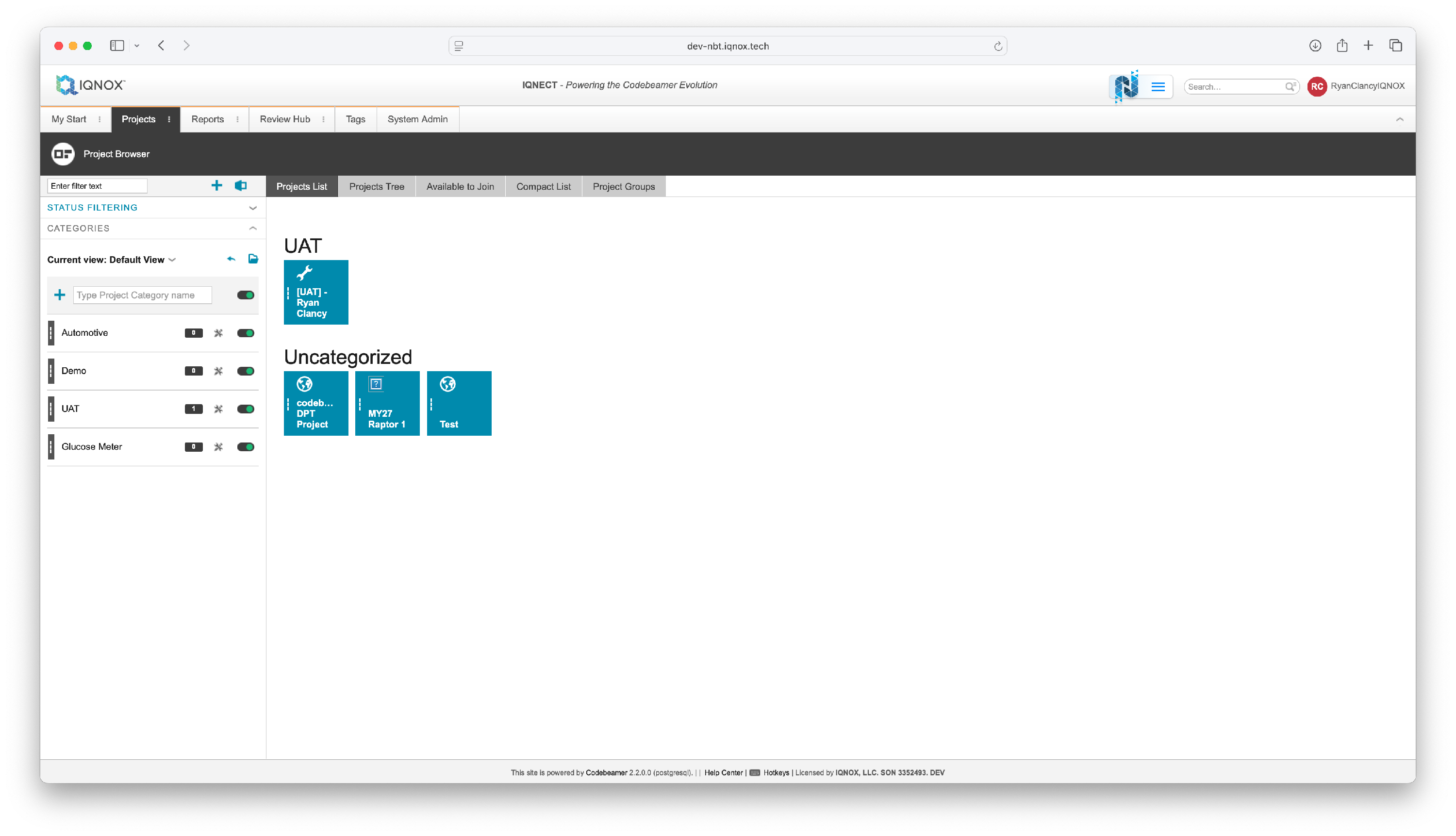
Open the Projects tab and click on the project that contains the tracker item you want to decompose.
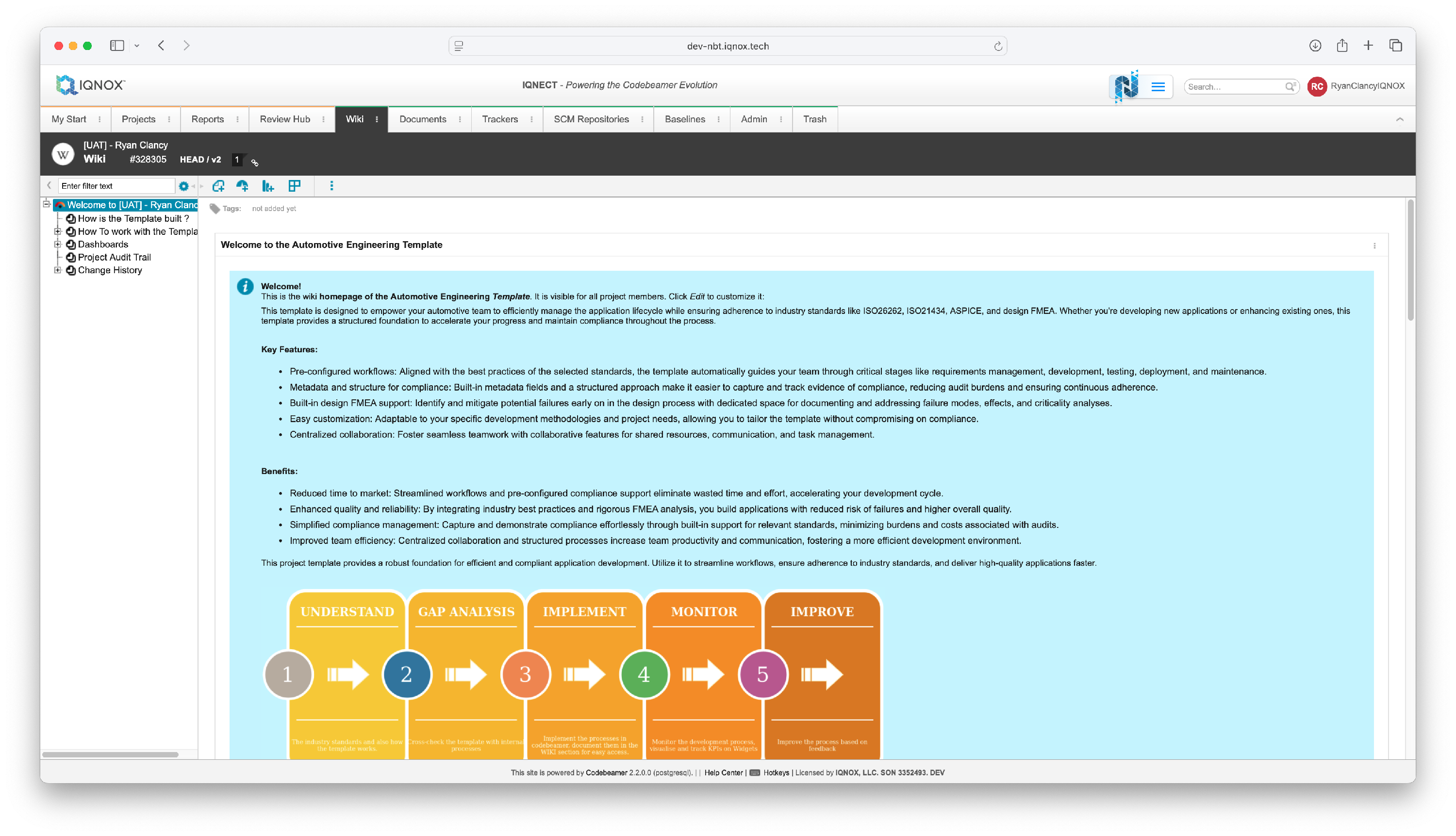
This will open the Wiki tab for that project.
Select the tracker item #
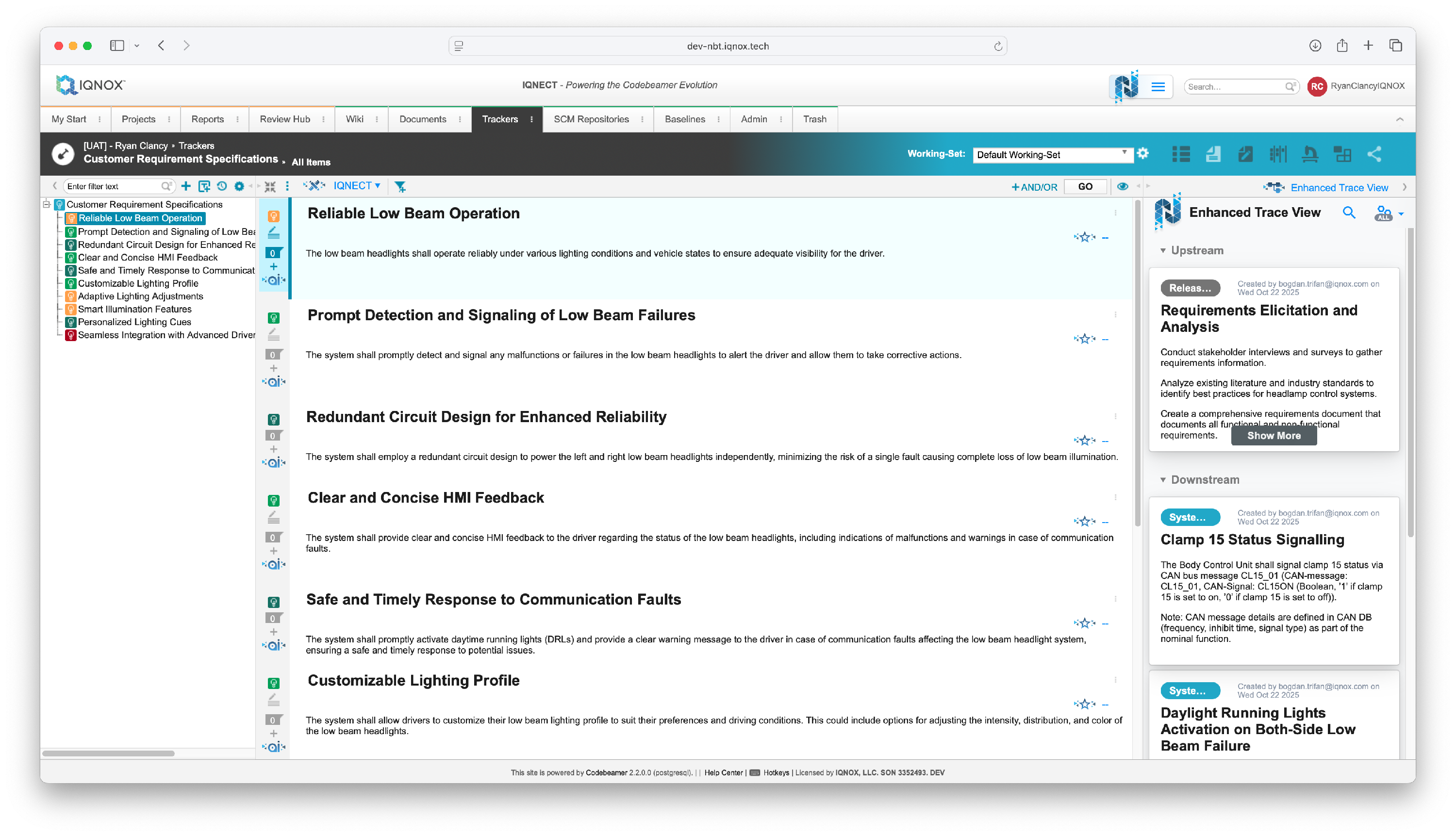
Navigate to the Trackers tab.
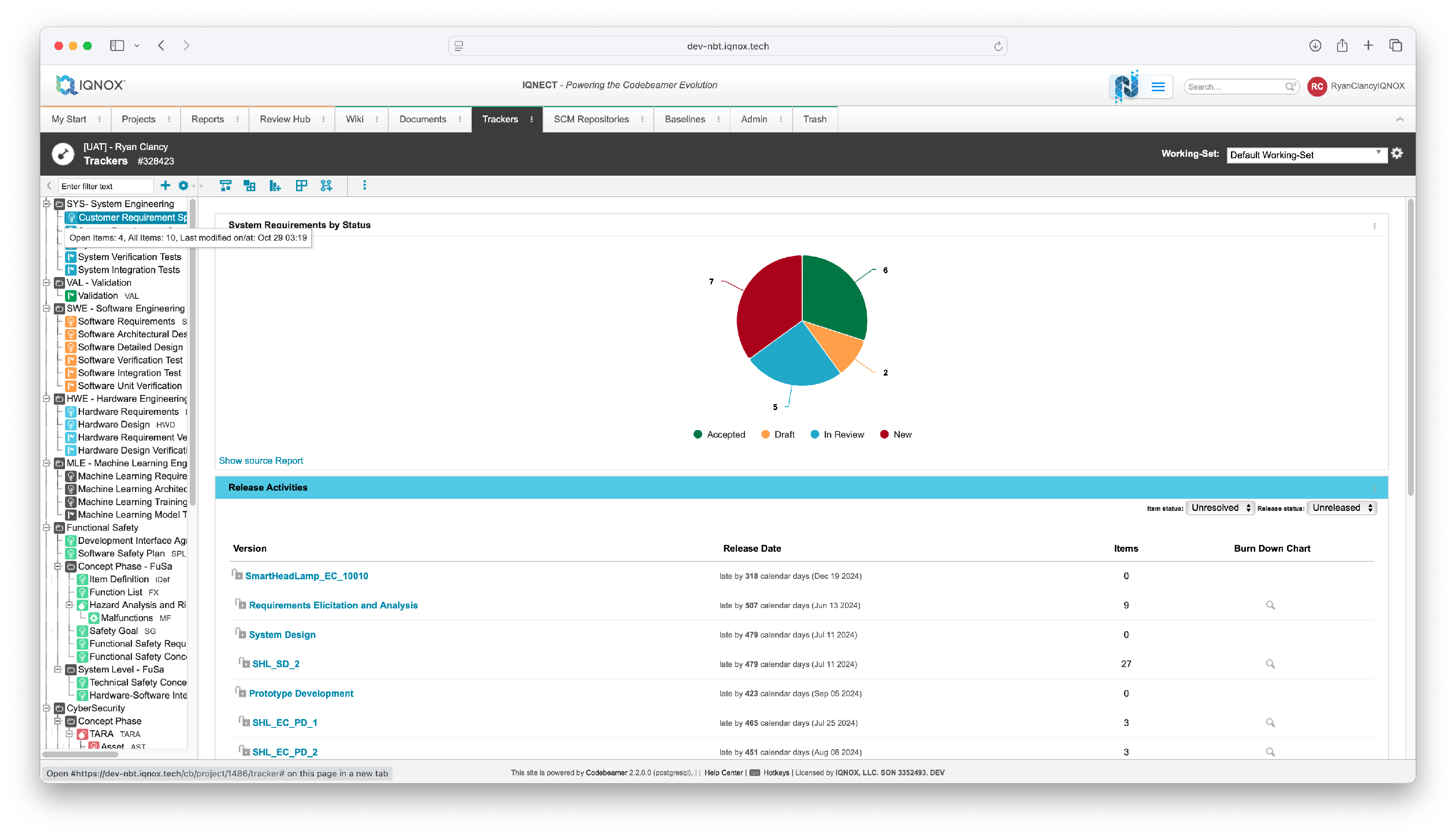
Double click on the desired tracker in the tree structure on the left.
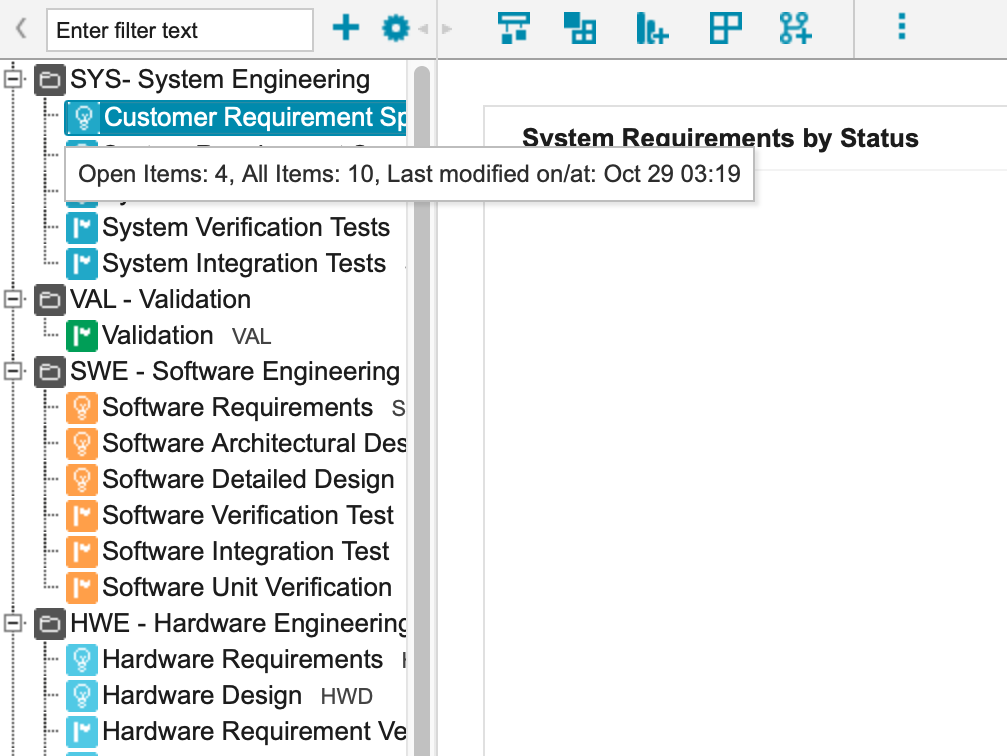
This will bring you into the All Items view within that tracker.
Open the Decompose menu #
Select your desired item you want to decompose.
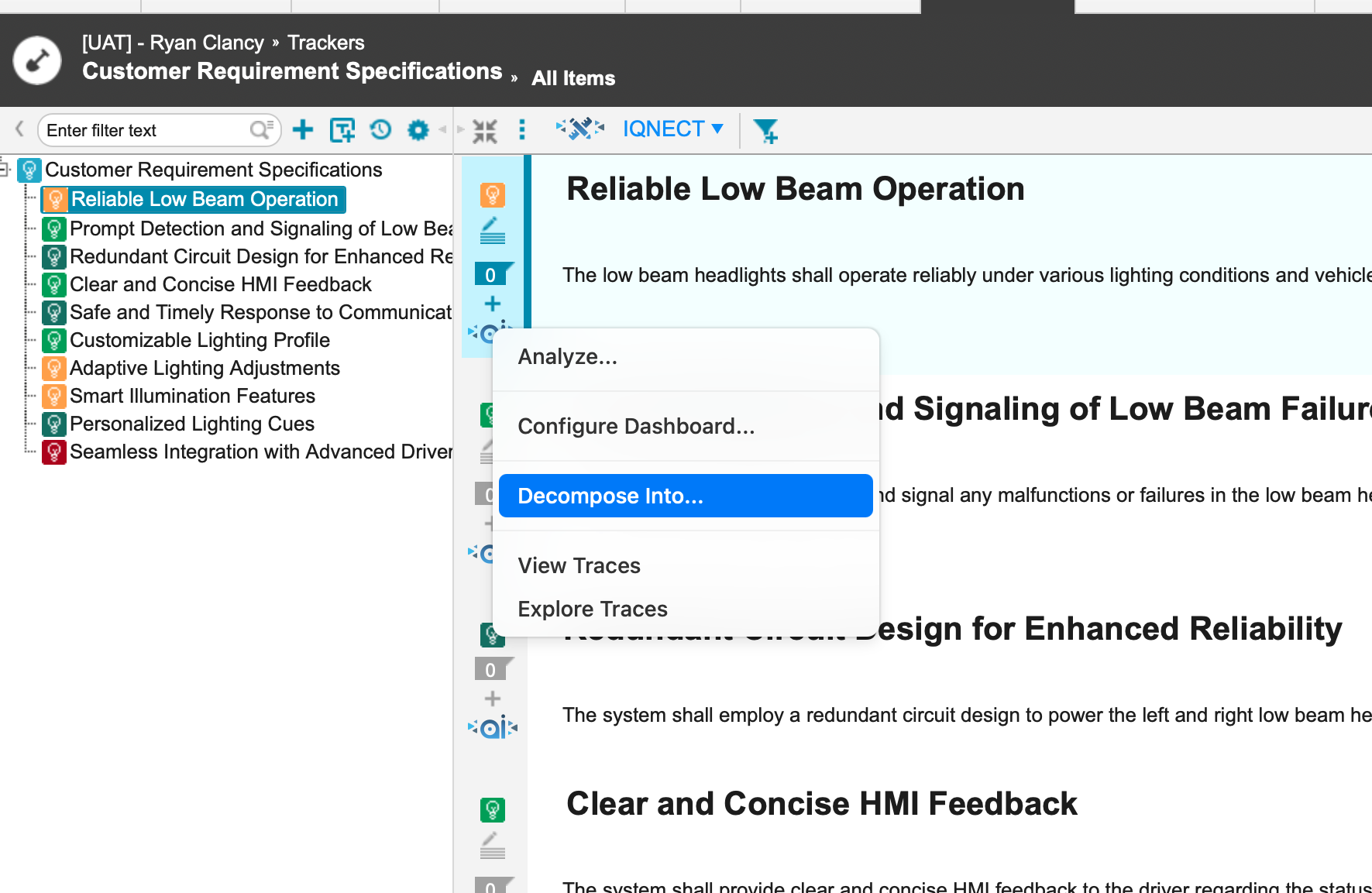
In the icon menu on the left-hand side of the item, select the Decompose icon.
Click Decompose Into to open a list of available trackers.
Select the target tracker #
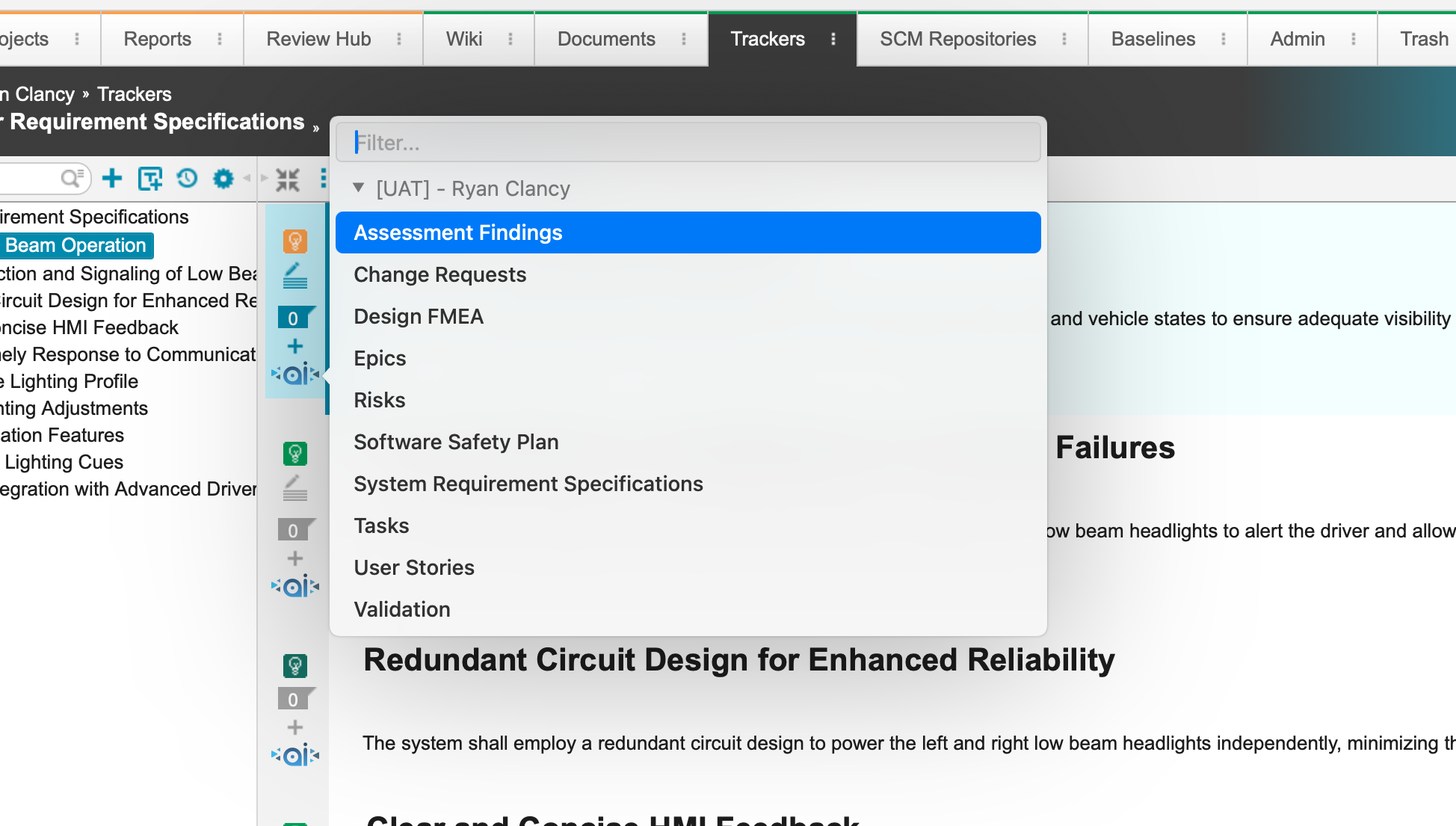
Choose the tracker you want to decompose the selected item into.
Identify existing items #
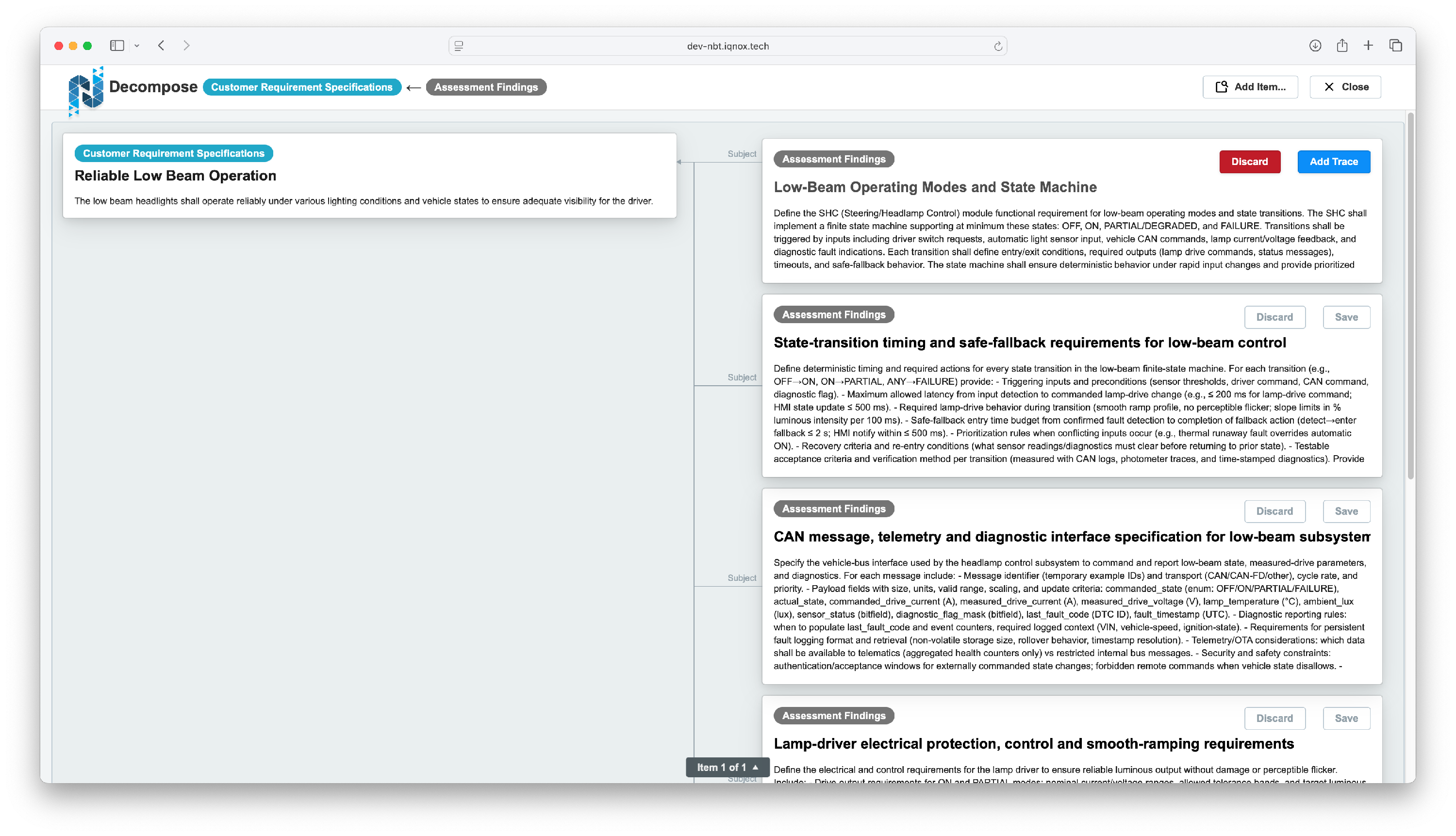
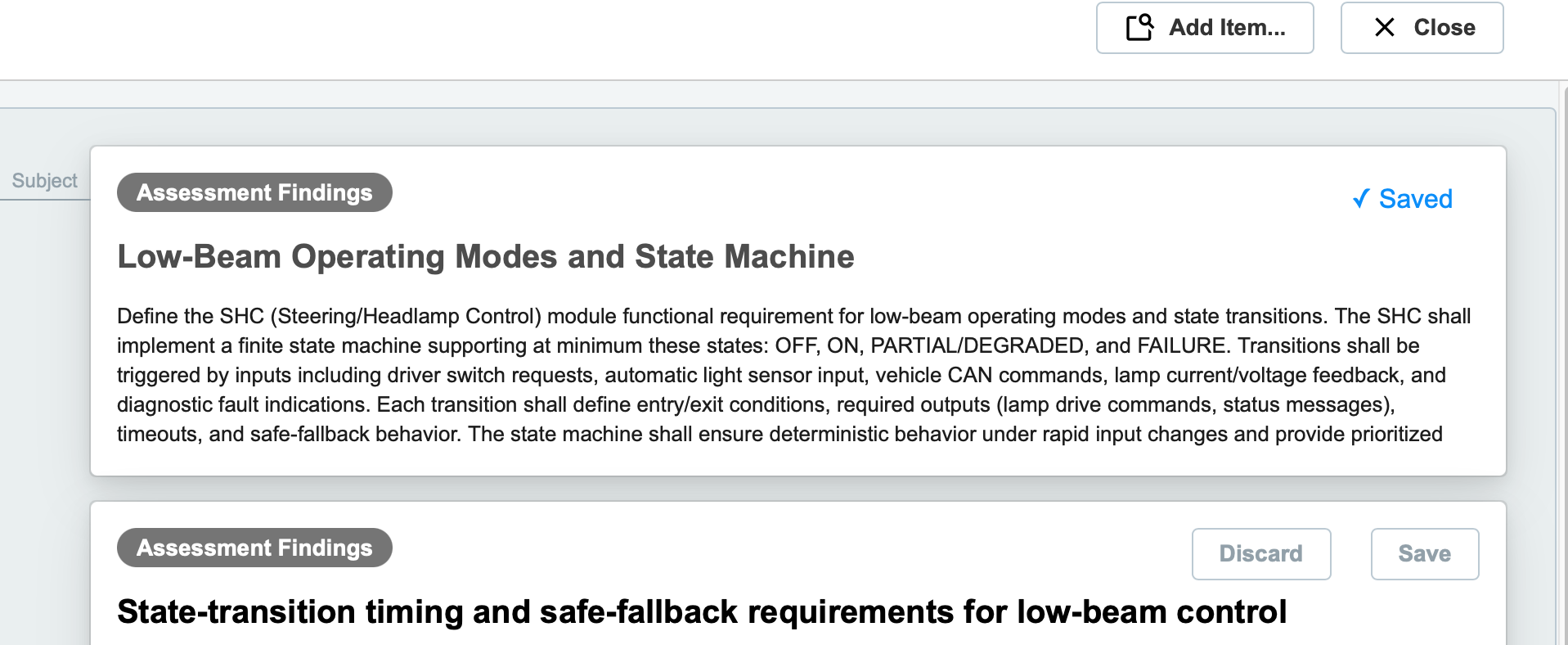
IQNECT automatically analyzes your project and displays existing and new tracker items as potential traces.
Existing items appear at the top of the list and are marked as read-only.
Instead of a Save button, each existing item includes an Add Trace option.
Add existing items as traces #
Click Add Trace to link an existing tracker item as a downstream trace of your original item.
IQNECT confirms the link without creating duplicates.
Exit this screen by clicking Close .
Refresh the All Items view #
Upon return to the All Items view, refresh the page.
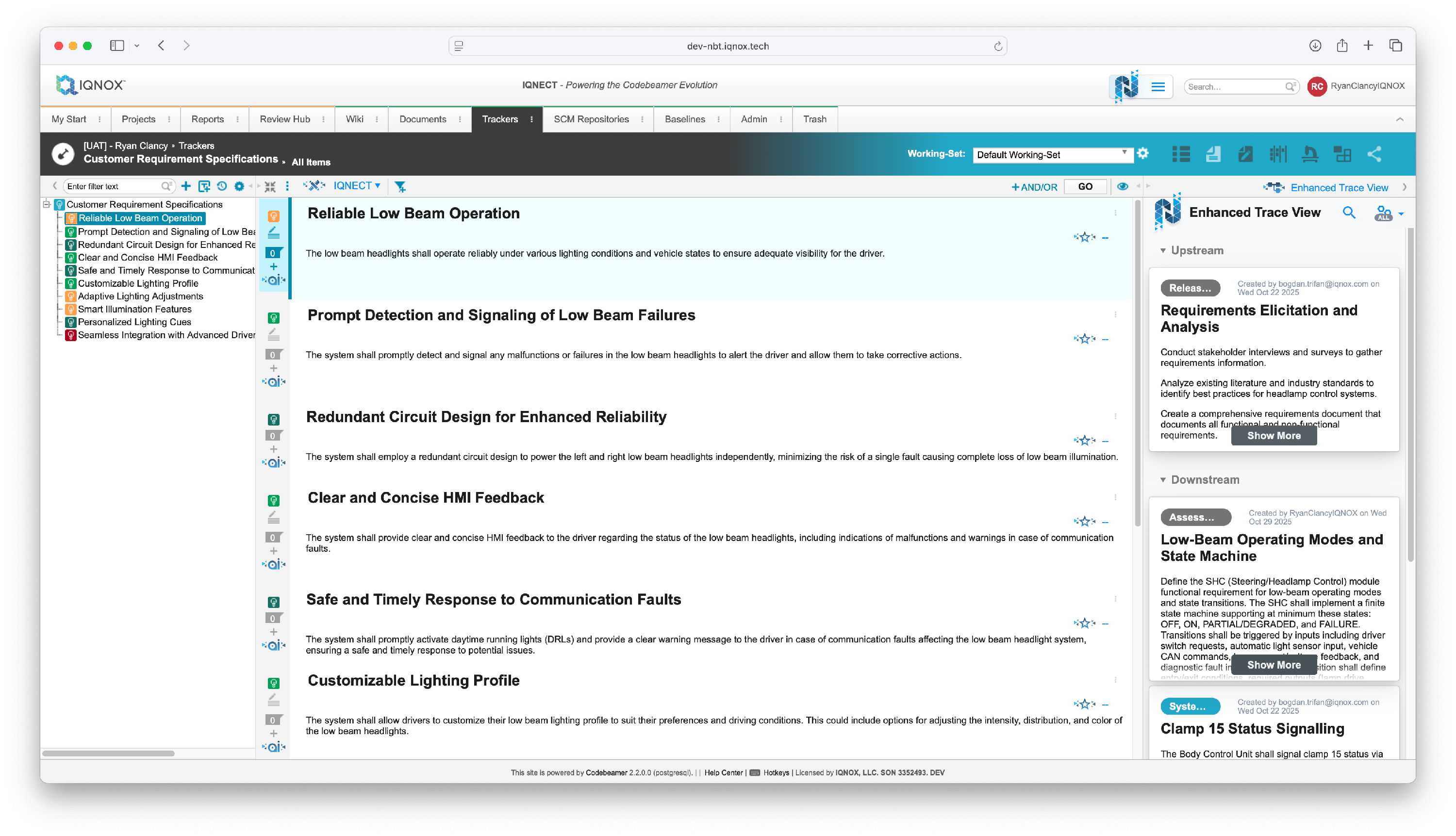
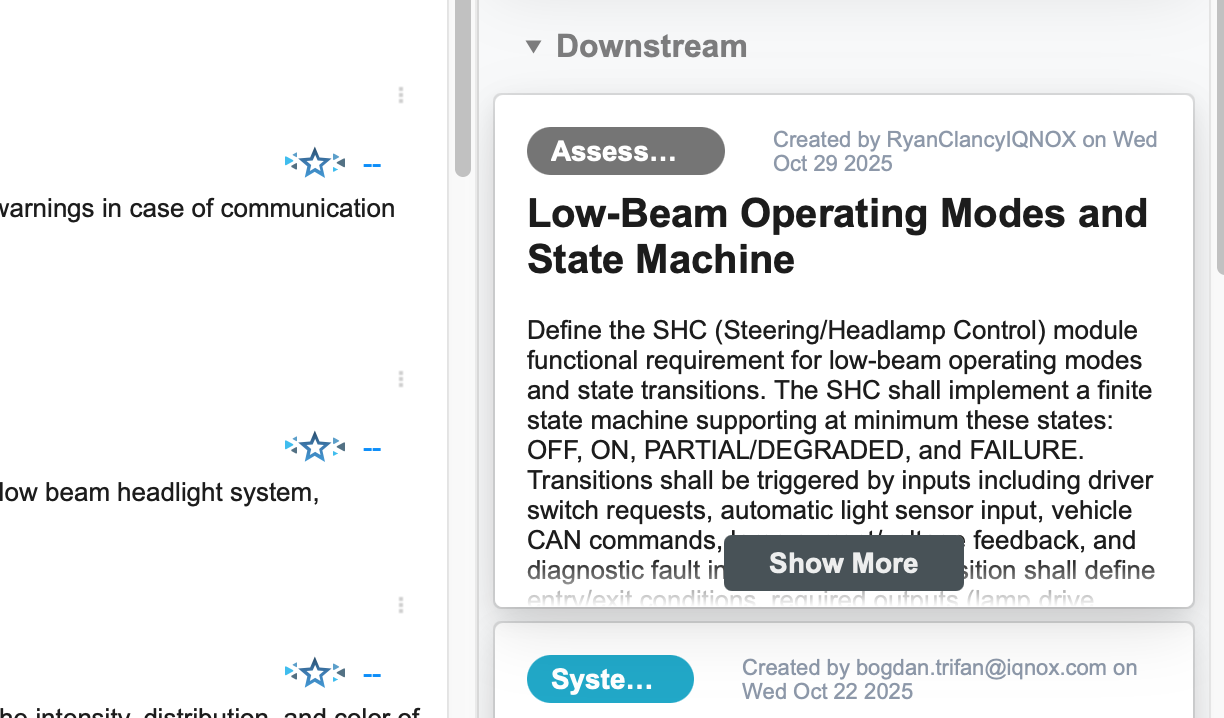
The linked item now appears as a downstream trace of the original item.
Results and next steps #
You’ve successfully decomposed an item and linked existing related tracker items as traces.
Use this feature whenever decomposing complex requirements or work packages, especially in projects where similar items may already exist, to maintain a clean, connected traceability chain.
