
Overview #
IQNECT 26.2 includes improvements to resource shape property management. These updates simplify how administrators define and manage attributes for resource shapes.
Resource shape properties help define the structure of the data IQNECT works with. When properties are clear and consistent, search, traceability, analysis, and system behavior become easier to manage.
In previous workflows, property management could become more difficult as resource shape configurations grew. This update streamlines property attributes so administrators can manage resource shape data more efficiently.
This improves configuration usability, supports cleaner data models, and helps teams maintain consistent resource definitions.
Prerequisites #
- You have permission to manage Resource Shapes
- Resource Shape configuration is enabled
- Connected lifecycle resources are available
- You are using IQNECT version 26.2 or later
How Resource Shape management works #
Resource Shape configuration now supports:
- Resource color management
- Inherited lifecycle colors
- Snippet configuration
- Enhanced property management
- Improved lifecycle visualization
- Consistent lifecycle metadata visibility
These enhancements improve lifecycle consistency and make connected engineering resources easier to understand across diagrams and lifecycle analysis workflows.
Configure Resource Shape colors and snippets #
Follow these steps to configure Resource Shapes.
Open Resource Shapes #
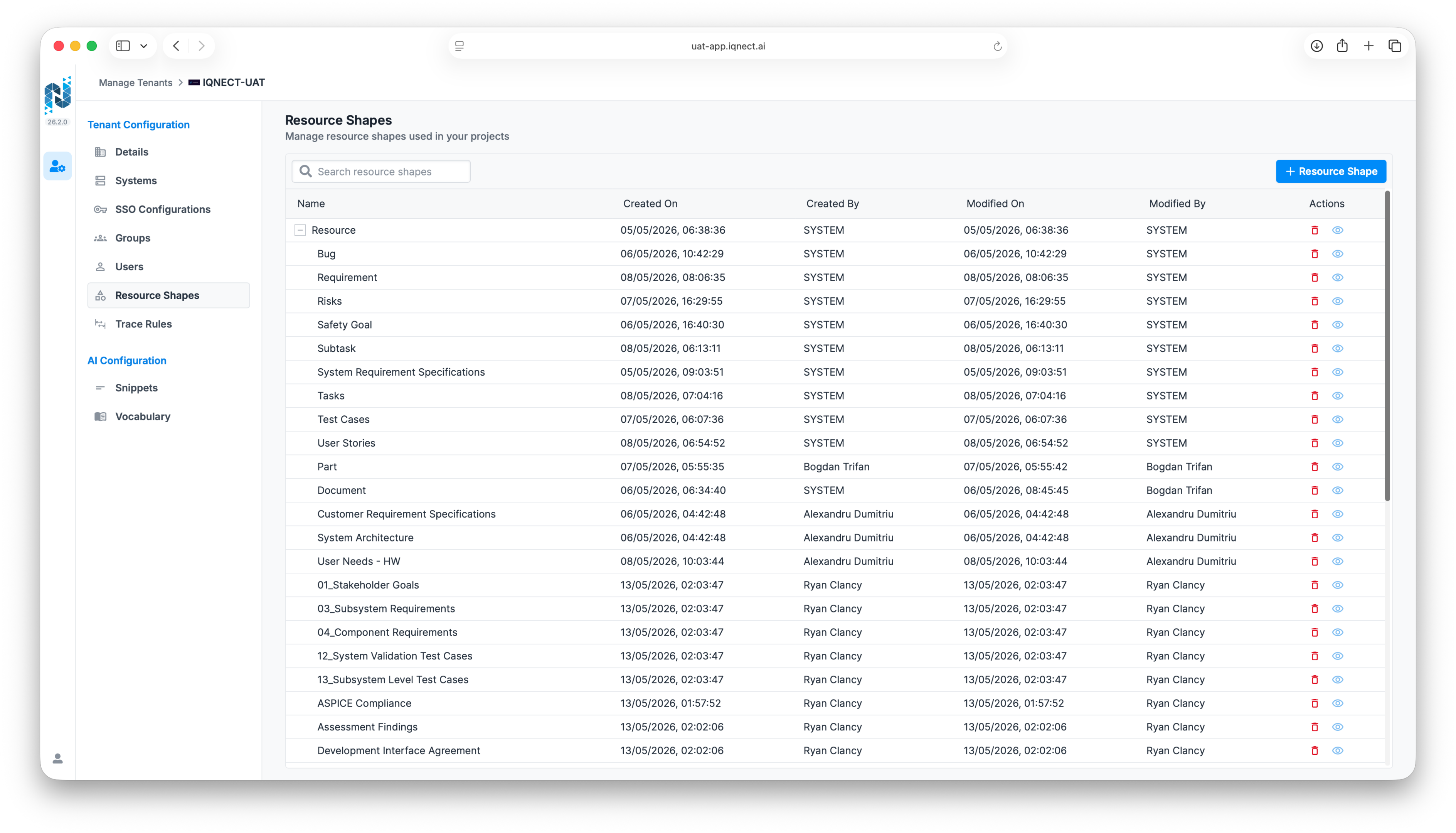
Open the Admin UI and select the Resource Shapes tab.
Create or edit a Resource Shape #
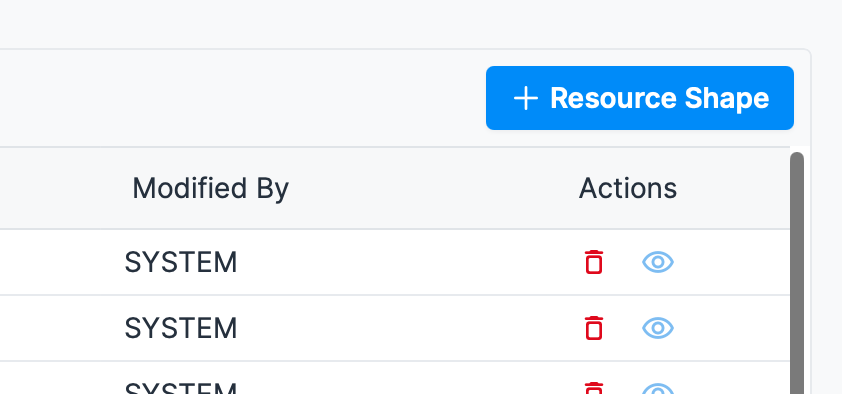
Select an existing Resource Shape or create a new one using the eye icon or + Resource Shape.
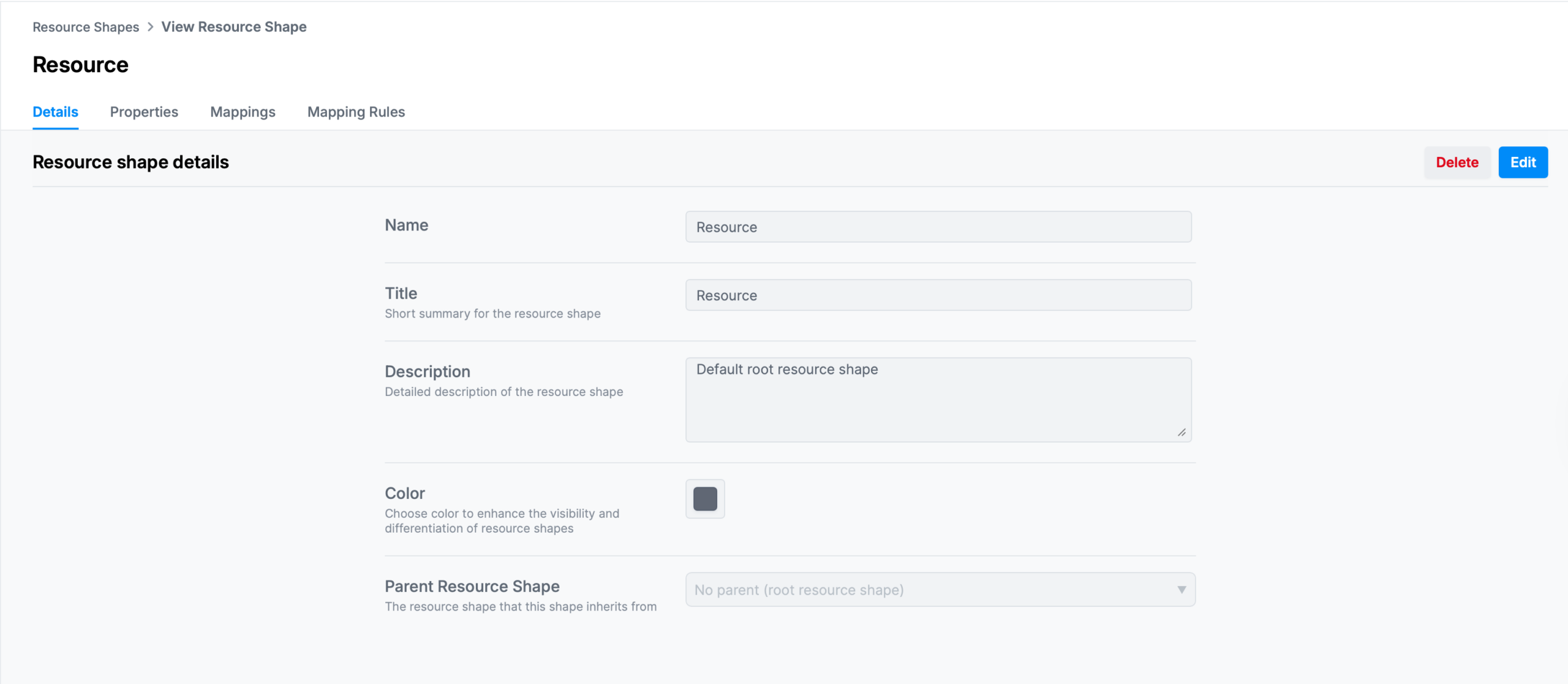
When editing, IQNECT opens the Resource Shape configuration view.
Configure lifecycle colors #
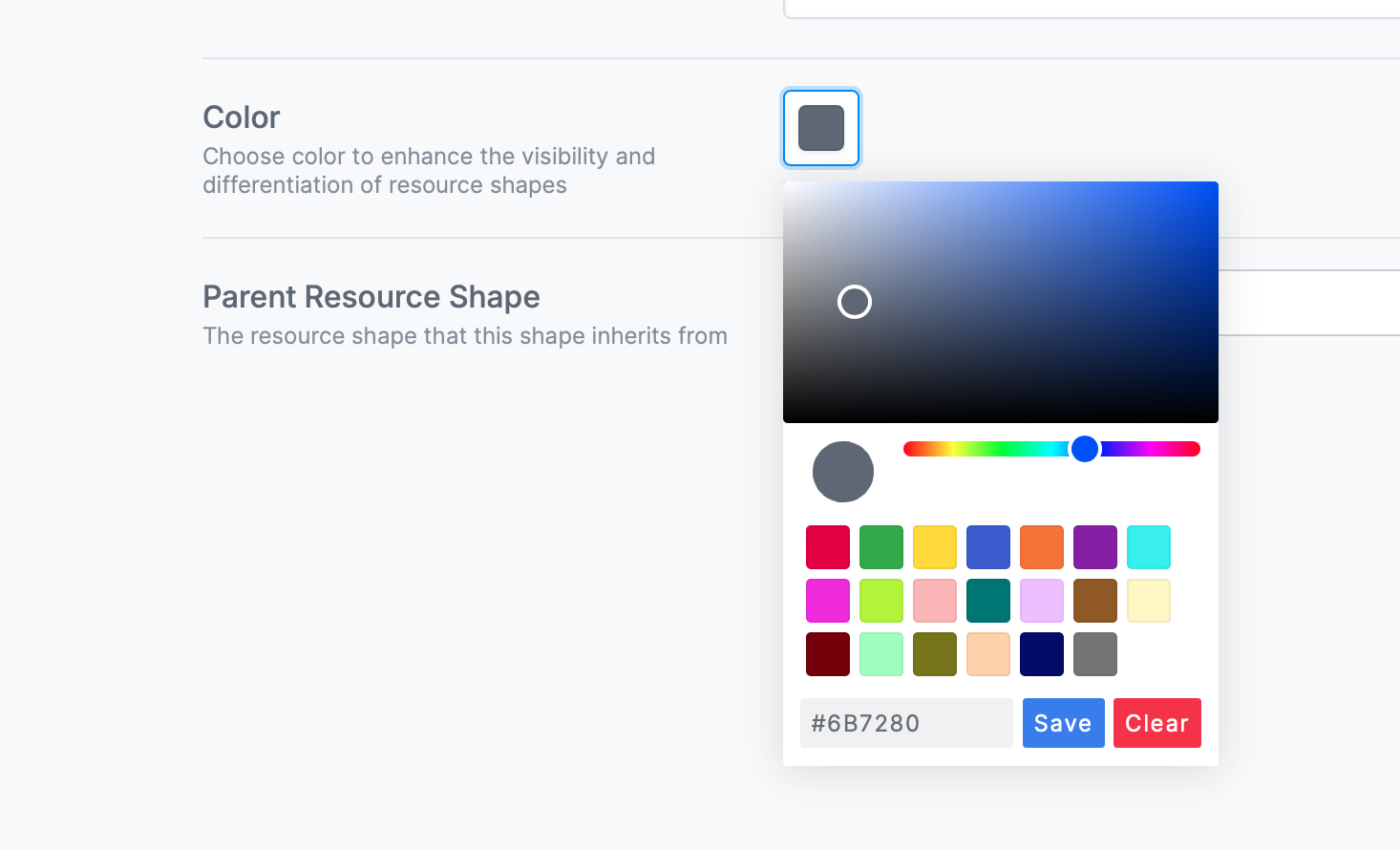
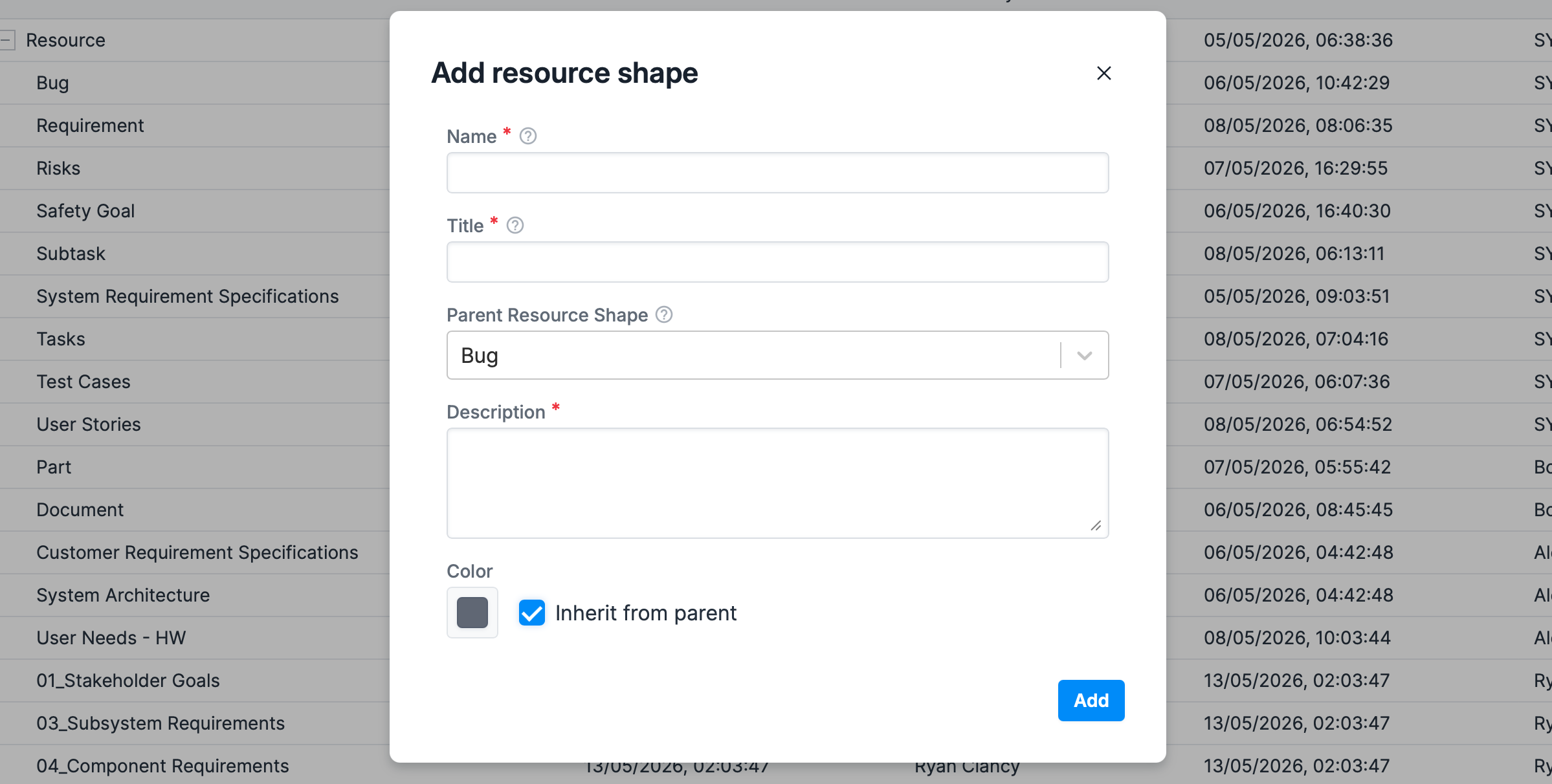
Locate the Color field. Select a lifecycle color using the available color picker.
Configured colors are used throughout supported lifecycle views and diagrams, including Snippets.
Apply inherited colors #
If parent Resource Shapes are available, IQNECT supports inherited lifecycle color behavior.
This helps maintain visual consistency across related lifecycle resources and connected engineering objects.
Review snippets #
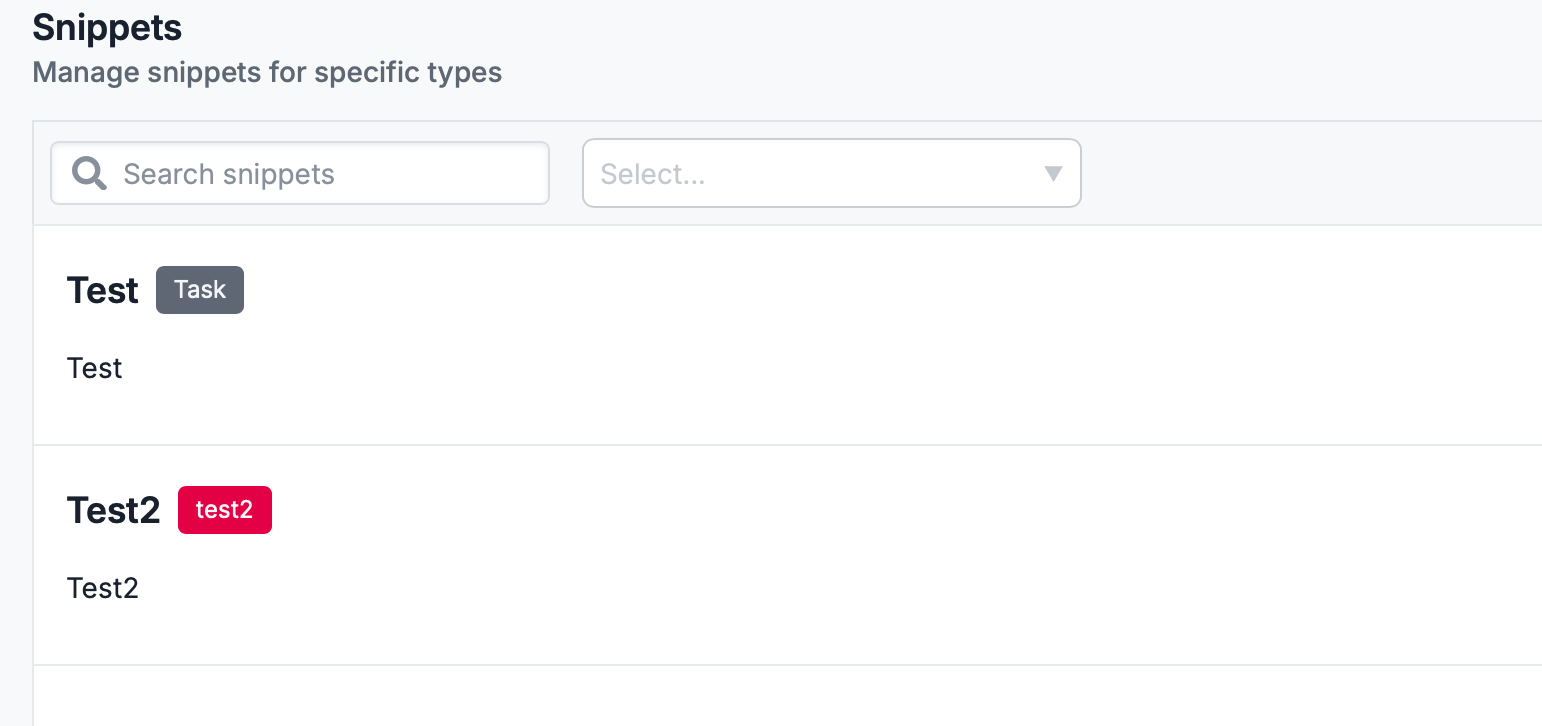
Snippets help surface important lifecycle information directly within supported lifecycle views and search experiences. The resource shape colors come through here to easily show which resource shape the Snippet is available for.
Resource Shape Properties enhancements #
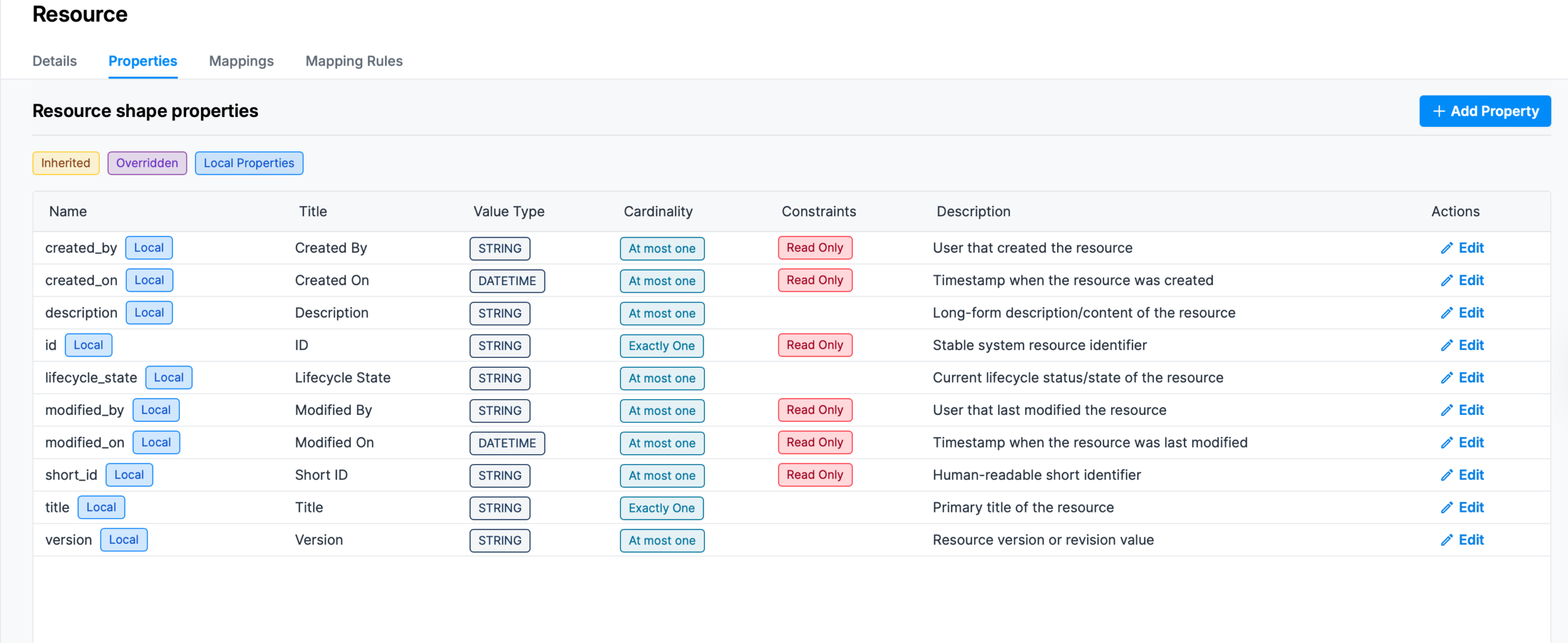
The Resource shape properties window has been streamlined so it is easier to read and only the important information remains.
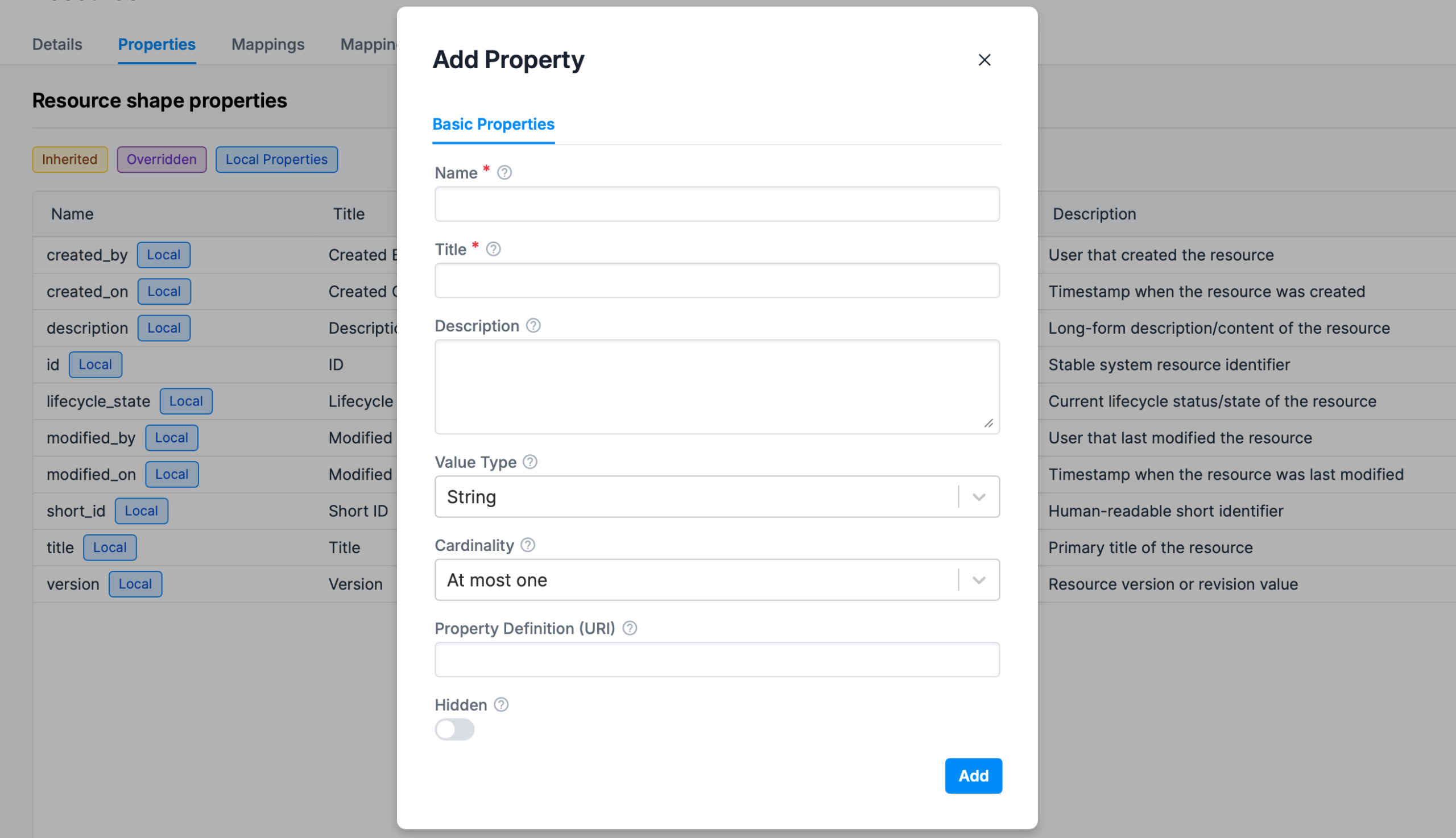
The Add Property window follows this and now only features input boxes for essential information. You can see here that now the Cardinality aligns exactly with Trace Rules.
Results and next steps #
You’ve successfully configured Resource Shape colors, properties, and snippets.
Use this functionality to improve lifecycle visualization, strengthen engineering visibility, maintain consistent lifecycle organization, and improve contextual understanding across connected systems.
