
Overview #
Resource Cards provide a consistent way to view engineering resources throughout IQNECT. Each card summarizes key information about a resource without requiring users to open the full resource details page.
In IQNECT 26.3, Resource Cards include additional engineering context, resource shape information, relationship summaries, and a preview option. These enhancements help users understand a resource’s purpose and connected engineering information directly from the card.
Prerequisites #
Before using Resource Cards, ensure that:
- A supported provider system is connected.
- Resources have been indexed.
- The user has permission to access the resource.
How Resource Cards work #
Resource Cards provide a summary view of engineering resources throughout IQNECT. Each card displays key information, including engineering context, resource shape, and relationship summaries, allowing users to quickly understand a resource without opening its full details.
Selecting a resource card displays additional information about the resource and provides access to related engineering content, helping users navigate connected lifecycle information more efficiently.
View Resource Cards #
Resource Cards are displayed throughout IQNECT anywhere engineering resources are listed.
Open a project, tracker, search results, or another supported resource list.
Select a Resource Card to view its summary information.
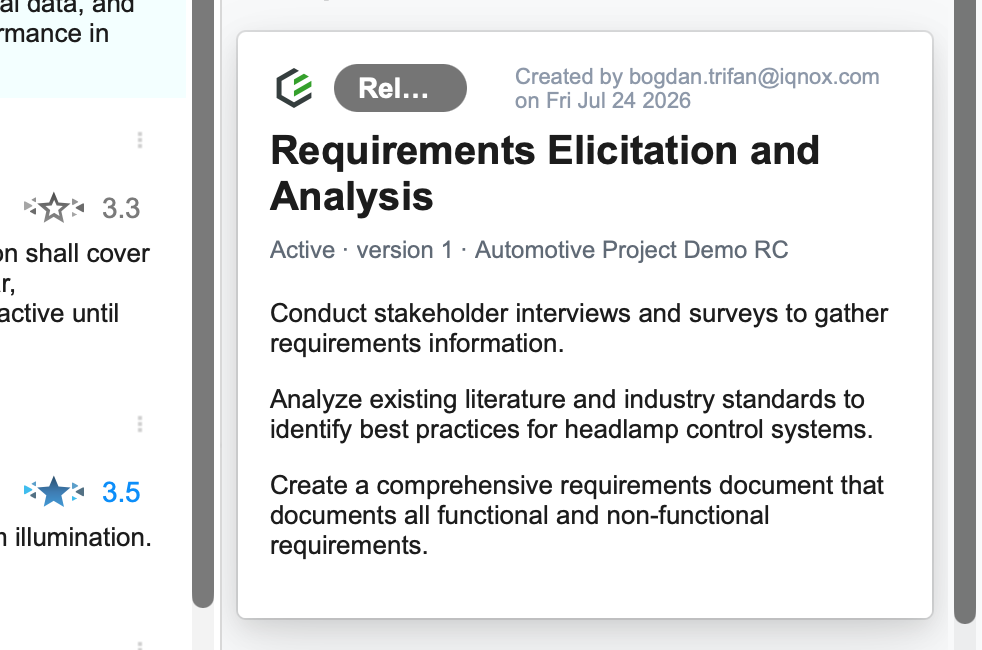
Each Resource Card displays information such as:
- Resource name
- Provider system
- Resource shape
- Engineering context
- Relationship summary
The information displayed varies depending on the resource type and available provider data.
View relationship summaries #
Resource Cards summarize engineering relationships connected to the resource.
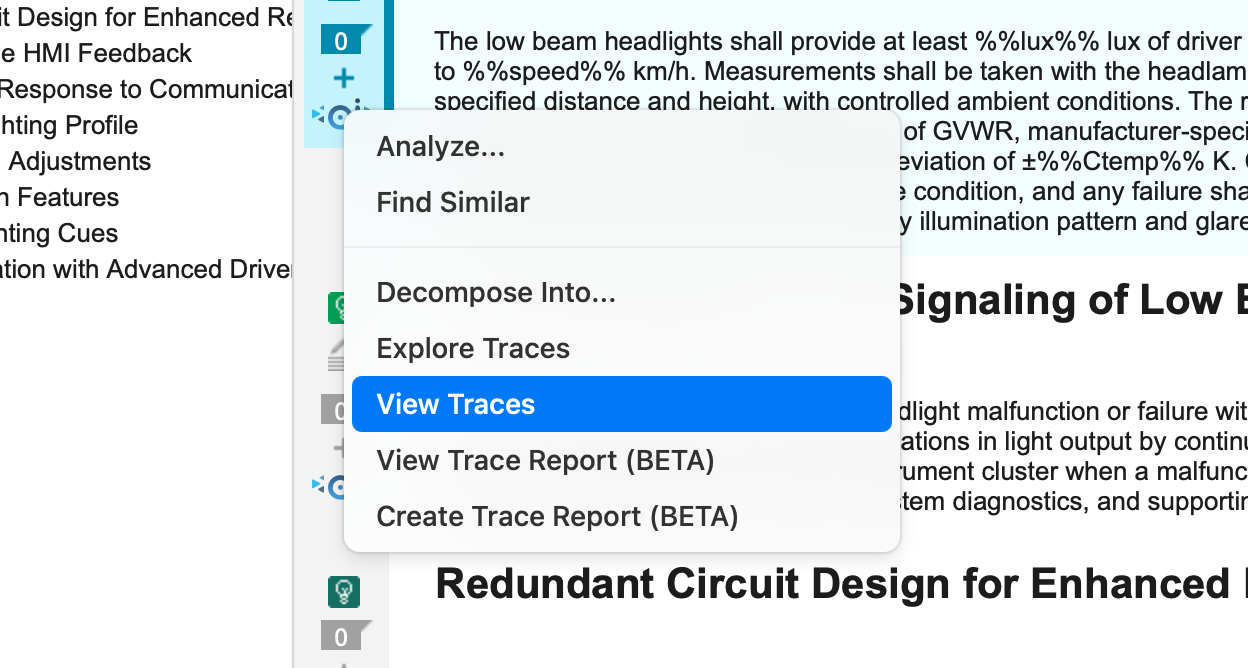
Open View Traces.
Review the relationship summary on the Resource Card.
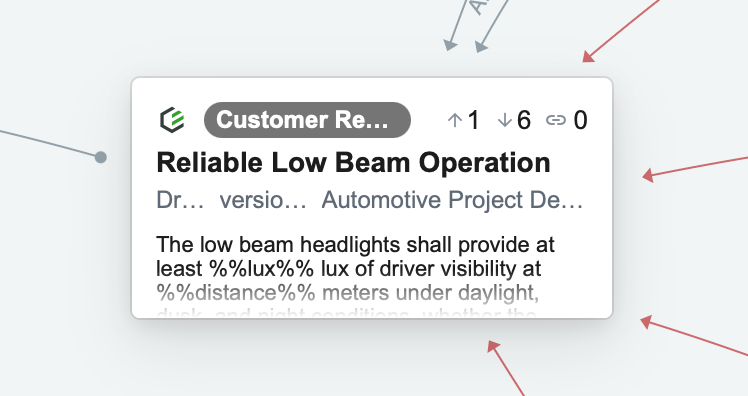
The summary provides a high-level view of the connected upstream and downstream resources. Relationship summaries can help identify whether additional engineering information is available.
Results and next steps #
You have successfully viewed engineering resources using Resource Cards.
Resource Cards provide quick access to engineering context, resource shape information, relationship summaries, and resource previews, helping users understand engineering information before navigating to the full resource.
